
The Meeting That Broke the Team
In early 2025, a product team at a Series B SaaS company spanning London, Toronto, and Singapore tried to find a standing meeting time that worked for everyone. London is GMT. Toronto is GMT-5 in winter. Singapore is GMT+8.
The overlap between all three locations — where all three teams are within normal working hours — is approximately zero minutes.
The team's solution was to rotate the meeting time quarterly, meaning that every three months, one region got the 7am slot, one got the 2pm slot, and one got the 9pm slot. Nobody was consistently happy. Morale in the Singapore office, permanently on the antisocial end of the rotation, declined measurably. Two engineers resigned within six months, citing "communication frustrations" in their exit interviews.
The problem was not the time zones. The problem was a meeting-first culture trying to operate in an async-first world. The meeting was not necessary. The team had simply never been given a system to replace it.
This guide is that system.
Why Most Teams Handle Time Zones Badly

The default assumption in most organisations — even remote-first ones — is that work happens synchronously. A question gets asked in Slack. Someone is expected to answer promptly. A decision needs making. A meeting gets scheduled. A document needs reviewing. Someone is pinged and expected to respond in real time.
This model works when everyone is in the same building. It fails, gradually and then catastrophically, when the team spans more than two time zones.
The failure mode is not dramatic. It is slow. It looks like:
A developer in Warsaw waiting six hours for a decision from a product manager in New York before they can unblock their work
A client-facing team in Sydney sending end-of-day updates that the US team does not read until the following afternoon — by which time the situation has changed
A manager in London scheduling 8am calls because it is the only time that overlaps with their US colleagues, then wondering why their European reports seem disengaged
According to a 2025 Buffer State of Remote Work survey, 52% of remote workers cite communication and collaboration as their biggest challenge — ahead of loneliness, productivity, and work-life balance. The majority of those communication challenges trace back to time zone friction that has not been actively designed around.
The good news: this is an engineering problem, not a people problem. It has solutions.
The Core Principle: Default to Async, Reserve Sync for What Needs It
Before the tools and tactics, the mindset shift.
Synchronous communication — meetings, calls, live Slack conversations — is high-bandwidth and high-cost. It requires everyone to be available at the same time, which is increasingly difficult across time zones. It creates no permanent record unless someone writes notes. And it interrupts deep work for everyone involved.
Asynchronous communication — written updates, recorded video, documented decisions, shared project trackers — allows each person to contribute on their own schedule. It creates a permanent record. It does not require real-time availability. And it scales across any number of time zones without the friction of scheduling.
The shift is not about eliminating meetings. Some conversations genuinely need to be synchronous — complex decisions with significant ambiguity, sensitive feedback, team relationship-building, and crisis management. The shift is about reserving synchronous time for those conversations, and routing everything else through async channels by default.
Here is the practical test: before scheduling a meeting or sending a Slack message that expects a real-time reply, ask whether the outcome could be achieved equally well with a written update, a recorded Loom, or a clearly documented question in a shared document. If the answer is yes, use async. If the answer is no — because the conversation requires real-time back-and-forth, emotional nuance, or collaborative whiteboarding — schedule the sync.
Most teams, when they apply this test honestly, find that 60–70% of their meetings can be replaced with async alternatives. That is not a trivial efficiency gain. For a distributed team spanning three time zones, it is the difference between a functional team and a dysfunctional one.
Step-by-Step: The System for Global Team Coordination
Step 1: Map your team's time zones and identify real overlap
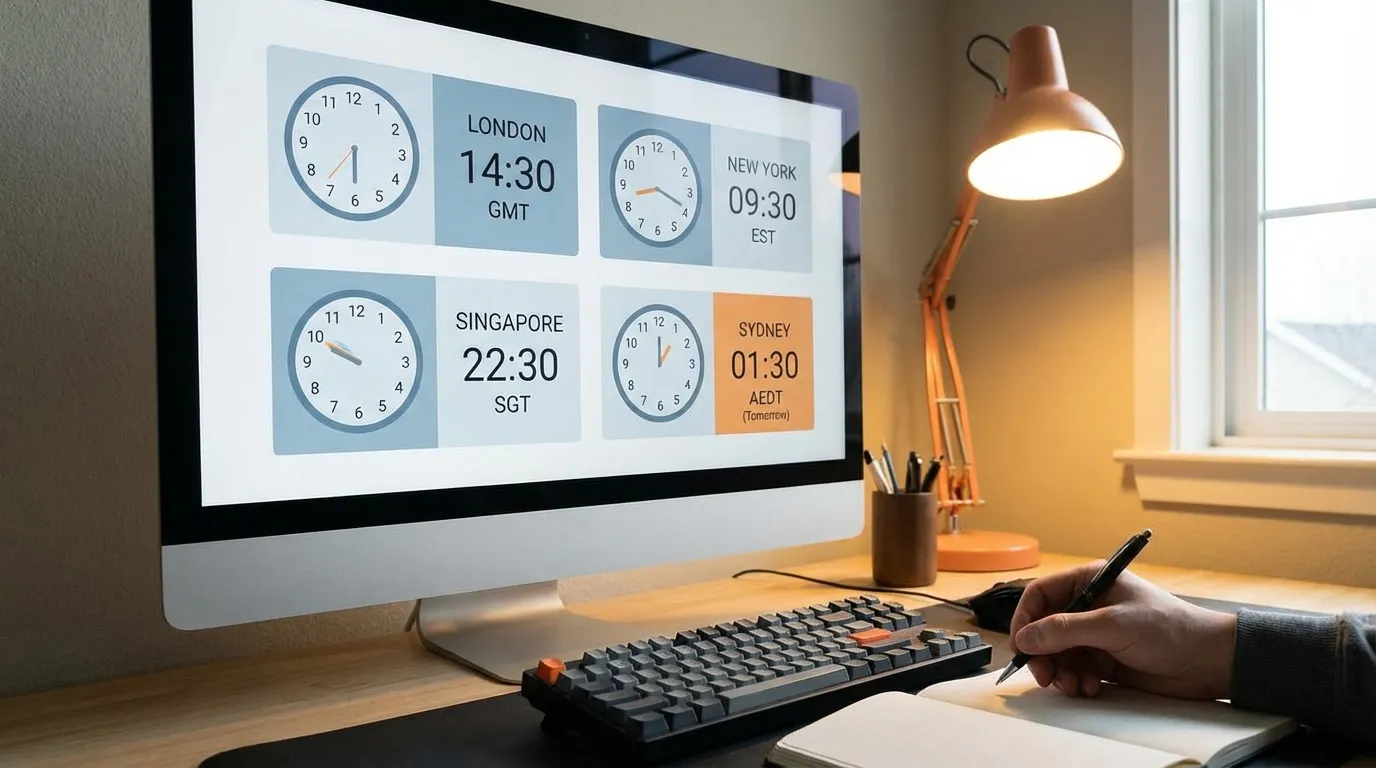
Start with a simple, shared document that lists every team member, their location, and their standard working hours in UTC. Not their local time — UTC. This creates a single reference point that removes the mental arithmetic of converting between time zones.
Tools that automate this:
World Time Buddy (worldtimebuddy.com): Free, simple, shows overlap windows visually
Every Time Zone (everytimezone.com): Clean visual layout of global time zones
Clockwise: Integrates with Google Calendar and Slack, shows team availability in real time
Timezone.io: Designed specifically for distributed teams, shows all team members' local times on a single screen
Once you have the map, identify your genuine overlap window — the hours when at least 80% of the team is within working hours. For many global teams, this window is two to four hours. For some, it is zero.
That overlap window is precious. Protect it for the conversations that genuinely require synchronous communication. Do not fill it with status updates, routine check-ins, or information-sharing that could be a document.
Step 2: Establish communication protocols — in writing
The single most impactful thing a distributed team can do is document its communication norms explicitly. Not assume them. Not discover them through friction. Write them down, share them with every team member including new hires, and revisit them quarterly.
A communication protocol document should cover:
Response time expectations by channel:
Slack/Teams direct message: respond within [X] hours during your working day. Not immediately. Not whenever.
Slack/Teams channel message: respond within [X] hours if mentioned, [X] working day if not.
Email: respond within [X] working day(s).
Urgent issues: defined escalation path (e.g., phone call or designated emergency Slack channel) — but "urgent" is defined strictly. A shipping delay is urgent. A question about a deck design is not.
Meeting norms:
All meetings have a written agenda shared at least 24 hours in advance.
All meetings have a designated note-taker who publishes written summary and action items within two hours of the meeting ending.
Meetings that repeat weekly are reviewed quarterly — if the standing meeting cannot produce a clear agenda, it is cancelled or reduced in frequency.
No meeting is scheduled during anyone's overlap window without explicit justification.
Decision-making process:
Minor decisions (affecting one person or team): decide and document asynchronously, no meeting required.
Medium decisions (affecting multiple teams): documented proposal shared 48 hours in advance, async comment period, synchronous meeting only if consensus is not reached.
Major decisions (strategic, affecting the whole company): structured async process with defined deadline for input, followed by one synchronous session if required.
This protocol sounds bureaucratic when written down. In practice, it removes the ambient anxiety of not knowing when you are expected to respond or who is making which decision. That anxiety is expensive — it manifests as unnecessary Slack messages, unproductive meetings, and the creeping sense that people in other time zones are making decisions without you.
Step 3: Choose and standardise your async communication tools
The tools are not the strategy. The strategy is async-first by default. But the wrong tools make the strategy harder to execute. These are the platforms that distributed teams consistently use well in 2026:
For written async communication:
Notion: Documentation, project tracking, decision logs, onboarding materials, and team wikis. The strongest platform for building a permanent record of how the team operates.
Confluence (for teams already in the Atlassian ecosystem): More structured than Notion, better for technical documentation.
Linear or Jira: Engineering and product task management with async comment threads attached to each ticket.
For video async communication:
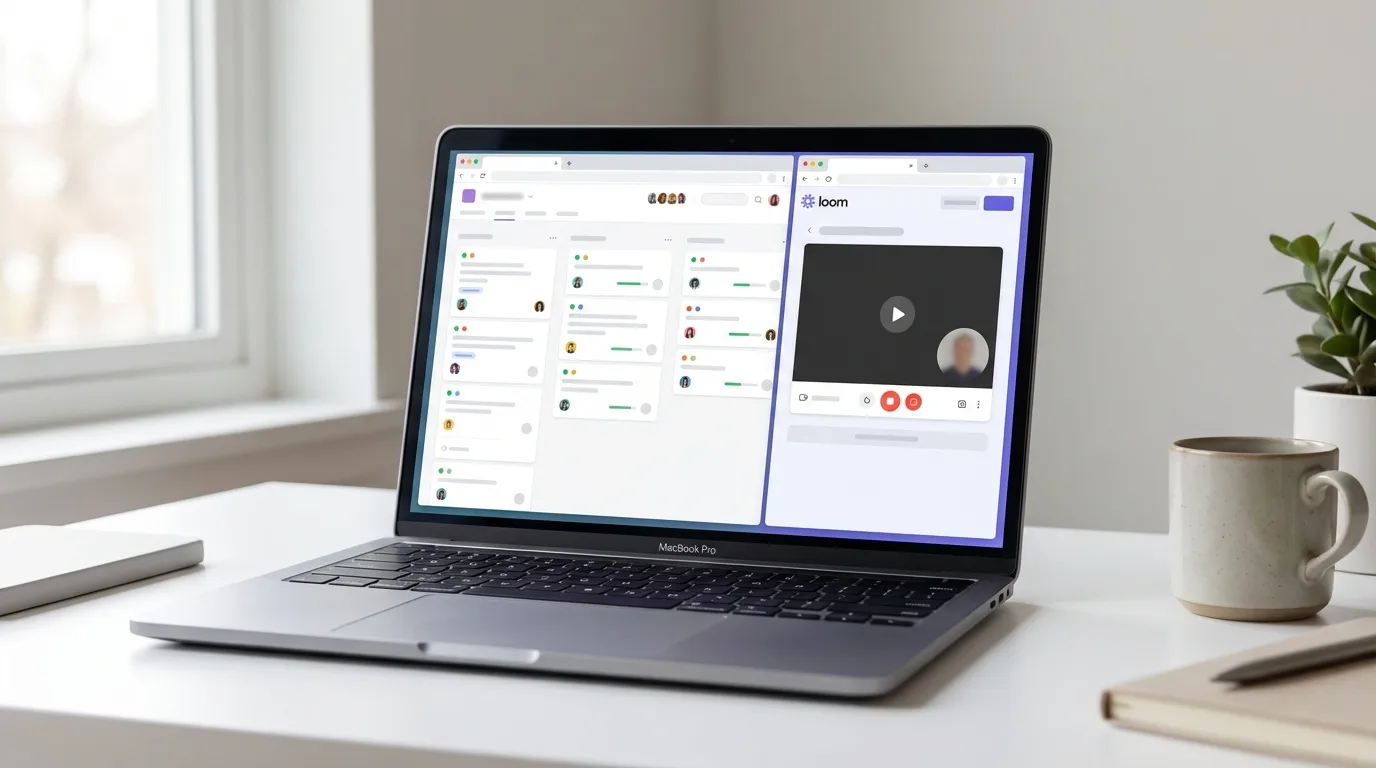
Loom: Record a short video walking through a document, demonstrating a feature, giving feedback on a design, or explaining a complex decision. A three-minute Loom replaces a 30-minute meeting in most cases. The viewer watches it in their own time zone and can leave time-stamped comments.
Loom is underused. Most teams install it and then default back to meetings because video feels more effortful than text. The effort is worth it for anything that requires nuance, demonstration, or tone.
For project visibility:
Linear, Asana, or Monday.com: Real-time project status visible to all team members without requiring a status update meeting. If the project tracker is up to date, the status meeting becomes redundant.
For team availability:
Slack status updates: Set your working hours in your Slack status daily. "🇬🇧 London | 9am–6pm GMT | Back tomorrow" eliminates the uncertainty of whether a colleague is at their desk, in a meeting, or asleep.
Google Calendar with shared visibility: Every team member's calendar is visible to every other team member. No meeting is scheduled without checking availability first.
The rule on tools: standardise ruthlessly. A team using Slack, Teams, WhatsApp, email, and Zoom for overlapping purposes will always have communication falling through the cracks. Pick one tool for each communication type and enforce it.
Step 4: Run your meetings differently
When synchronous meetings do happen, they need to earn their place in the overlap window. Here is how high-performing distributed teams run them:
Pre-read is mandatory. Every agenda item has associated reading — a document, a proposal, a set of data — shared at least 24 hours before the meeting. If attendees have not read the pre-read, the meeting is rescheduled. This sounds extreme. It eliminates the pattern of spending the first 20 minutes of a meeting getting everyone up to speed on information that should have been consumed in advance.
Decisions are documented in real time. Designate a rotating note-taker. Every decision made in the meeting is typed into a shared document during the meeting — not after. Every action item is recorded with a named owner and a specific deadline. The document is published to the relevant Notion or Confluence page within two hours.
Rotate the inconvenient slot. For any standing meeting that requires someone to join outside standard working hours, rotate that slot every quarter. Document the rotation schedule. This does not eliminate the inconvenience — it distributes it fairly. Teams that consistently burden one time zone with antisocial meeting times will lose those team members.
Asynchronous alternatives for common meeting types:
Weekly status update → replaced by a written end-of-week summary posted to a dedicated Slack channel or Notion page by 5pm Friday (local time)
Project kickoff → replaced by a detailed written brief in Notion, a 10-minute Loom walkthrough from the project lead, and async questions in the document's comment thread
Design review → replaced by a Loom walkthrough of the designs with time-stamped feedback in Figma or a review thread in Notion
One-on-ones → kept synchronous. These are the meetings worth protecting overlap time for.
Step 5: Protect individual focus time across the team
Async communication only works if people have uninterrupted blocks of time to do deep work. If the team is always available on Slack, always responsive to messages, and always joinable on a call, the async system degrades into a slower version of synchronous work.
Each team member should have explicit focus blocks — periods in their calendar where they are not expected to respond to messages, attend impromptu calls, or participate in Slack threads. These blocks should be visible on shared calendars and respected by default.
A practical structure:
Morning block (3–4 hours): Deep work, no Slack notifications, calendar blocked
Midday window (1–2 hours): Communication — catch up on Slack, respond to async threads, review Loom videos, handle email
Afternoon block (2–3 hours): Deep work or collaboration, depending on overlap window
End of day: Update project tracker, post written summary if required, set Slack status to away
This is not a rigid timetable. It is a default template that team members adapt to their working style and time zone. The important thing is that it is communicated and respected — not assumed.
US vs UK: How Time Zone Culture Differs
The approach to time zone management differs meaningfully between US and UK professional cultures — and understanding the difference matters if you work across both.
US professional culture tends toward synchronous communication as the default, particularly in corporate environments. Meeting-heavy cultures are common at large US employers, and the expectation of prompt Slack or email responses during working hours is often implicit. US remote-first companies — particularly those born after 2018 — are more likely to have built async-first cultures deliberately. Traditional US corporates are less likely to have done so.
UK professional culture has absorbed async norms more readily in many sectors, partly because the shift to remote work during 2020–2022 coincided with significant restructuring at many UK employers. The CIPD's 2025 People Management survey found that 61% of UK knowledge-worker employers now have documented flexible working policies that explicitly address async communication. That said, UK financial services and legal sectors remain heavily meeting-dependent.
Practical implications for cross-Atlantic teams:
If you are a UK professional working with US colleagues, expect the following:
US colleagues may interpret slow Slack responses as disengagement, even if you are within the agreed response window. Communicate your availability explicitly and proactively.
US East Coast hours (EST/EDT) overlap with UK afternoon — typically 2pm–6pm GMT/BST. This is your shared synchronous window. Protect it.
US West Coast hours (PST/PDT) overlap with UK evening — typically 5pm–9pm GMT/BST in standard time, 6pm–10pm during US summer. Cross-Pacific meetings involving UK participants are inherently antisocial. Push for async alternatives where possible, or establish a strict rotation.
Salary note: UK professionals who successfully navigate global team dynamics — demonstrated through experience with distributed teams, async tooling, and cross-timezone communication — attract a documented premium in both the UK and international remote job markets. LinkedIn's 2025 Skills Report identified "asynchronous communication" and "distributed team collaboration" as two of the fastest-growing skills in remote-first job postings. That is worth adding to your CV and LinkedIn profile explicitly.
What Most Teams Get Wrong
They schedule meetings as the default response to uncertainty. When something is unclear, the instinct is to schedule a call. The better instinct is to write a clear question or proposal in a shared document and ask for async input. Most uncertainties can be resolved in writing faster than the meeting can be scheduled.
They underestimate the cost of timezone inequity. When one region consistently gets the worst meeting slots, the most delayed responses, and the least visibility into decisions, that region's engagement drops. It is not subtle — it shows up in retention data, performance reviews, and the quality of contributions in cross-timezone collaboration. Equity in scheduling is not a nicety. It is a retention strategy.
They use Slack like it is a meeting. Long, rapid-fire Slack threads that expect immediate responses are synchronous communication wearing async clothing. They create notification anxiety, interrupt deep work, and exclude team members in different time zones who are asleep. If a Slack thread has more than five messages and is still going, move it to a document or a call.
They do not document decisions. A decision made in a meeting that is not written down does not exist for team members who were not present or who are joining the team later. Every decision — however small — should be logged in a shared, searchable location with the date, the participants, and the rationale.
They treat async tools as optional. Notion, Loom, and Linear only work if the whole team uses them consistently. One person defaulting to email, one to WhatsApp, one to direct Slack messages creates fragmentation. Tool standardisation requires deliberate enforcement — not everyone will adopt new tools without friction. That friction is worth pushing through.
Real-World Example: How One Team Fixed Its Time Zone Problem

A 23-person engineering and product team at a remote-first HR tech company had offices in Amsterdam, Chicago, and Melbourne. Their weekly product sync — 90 minutes, every Monday — rotated between 7am Amsterdam, 2pm Chicago, and 11pm Melbourne.
The Melbourne team's Monday 11pm slot meant that by the time their input reached the Amsterdam team's Tuesday morning, decisions had already effectively been made. Melbourne's contributions were acknowledged but rarely incorporated. Two senior engineers in Melbourne flagged this in a quarterly survey.
The Head of Product ran a three-week async experiment:
Week 1: Replaced the 90-minute Monday sync with a written weekly brief — published every Friday at 5pm Amsterdam time (11pm Melbourne Friday, 11am Chicago Friday). All three teams had the weekend to read it.
Week 2: Added a Monday async comment period — each team had until Monday 5pm local time to leave written feedback in the document. No meeting.
Week 3: Introduced a 30-minute Tuesday sync, Amsterdam time (2pm Amsterdam / 8am Chicago / 11pm Melbourne Tuesday — still inconvenient for Melbourne, but 30 minutes rather than 90). The agenda was only the two or three items that required real-time discussion after the async comment period.
Results after six weeks: meeting time reduced by 67%. Melbourne team's documented contributions to product decisions increased by 340%. Two previously scheduled Monday syncs were cancelled entirely because the async process resolved the agenda before the meeting time arrived.
The Melbourne engineers stopped flagging communication as a concern in quarterly surveys.
The Data Point Worth Knowing

GitLab's 2025 Remote Work Report — based on responses from 5,000 knowledge workers across 30 countries — found that employees at companies with documented async-first communication norms reported 35% higher satisfaction with work-life balance and 28% higher satisfaction with their ability to do deep work compared to employees at companies without such norms. Retention rates at async-first companies were 19% higher than at synchronous-default organisations with equivalent compensation packages.
That is not a marginal difference. It is a structural advantage — for the company and for the individual.
Three Takeaways and One Specific Action
Key takeaways
Time zone problems are almost always communication design problems in disguise. The fix is not better scheduling software — it is a deliberately async-first communication culture with clearly documented norms for when synchronous communication is appropriate.
Your overlap window is a finite, precious resource. Identify it precisely, protect it for decisions and conversations that genuinely require real-time interaction, and route everything else through async channels by default.
Async communication skills — written clarity, Loom fluency, documentation discipline, structured decision-making — are now among the most valued competencies in remote-first hiring. They belong on your CV and LinkedIn profile, named explicitly with examples.
Your action this week: Open your calendar and count how many meetings you have next week that could be replaced by a written update, a Loom, or a comment thread in a shared document. Cancel or convert at least two. Record the time saved. That is your starting data point.
This article reflects general trends and market data as of April 2026. Always verify current tool pricing, platform availability, and employment law requirements in your region before making operational decisions.