
Digital products shape how people work, shop, learn, and connect. But many websites and apps still exclude millions of users because they aren’t built with accessibility in mind. Small design decisions—such as low color contrast or missing keyboard navigation—can make a product difficult or impossible for some people to use.
This is where accessibility-first design becomes essential. Instead of treating accessibility as an afterthought or compliance checklist, accessibility-first design means considering diverse user needs from the very beginning of the product design process.
For founders, designers, developers, and product teams across the United States, Europe, the UK, Canada, and Australia, accessibility is becoming both a competitive advantage and a social responsibility. Inclusive products reach more users, improve usability for everyone, and help organizations meet global accessibility standards.
you’ll learn how accessibility-first design works, why it matters, and how to apply practical frameworks to create products that everyone can use—regardless of ability, device, or environment.
What Is Accessibility-First Design?
Accessibility-first design is an approach where accessibility considerations are integrated into every stage of product development—from research and wireframes to testing and launch.
Instead of fixing accessibility problems later, teams design systems that support a wide range of abilities from the start.
This includes designing for users who may:
Have visual impairments
Use screen readers
Navigate with a keyboard instead of a mouse
Experience hearing limitations
Have motor or mobility challenges
Experience cognitive or learning differences
Accessibility-first design aligns closely with inclusive design principles and universal design, which aim to create products that work well for the broadest possible audience.
Accessibility vs. Usability
While the terms are related, they mean different things:
Usability focuses on how easy a product is to use.
Accessibility ensures that people with disabilities can use the product at all.
When done well, accessibility improvements often improve usability for everyone.
For example:
Clear navigation helps both screen-reader users and new visitors.
Captions benefit deaf users and people watching videos in noisy environments.
High contrast helps users with visual impairments and people outdoors in bright sunlight.
Why Accessibility Matters for Modern Products

Accessibility is not just a design trend—it’s becoming a fundamental requirement for digital products globally.
1. A Larger Global Audience
According to global estimates, over 1 billion people live with some form of disability. That represents a significant portion of potential users.
If your product isn’t accessible, you may unintentionally exclude millions of people who could benefit from your service.
2. Legal and Compliance Considerations
Accessibility regulations exist in many regions.
Examples include:
United States: Americans with Disabilities Act (ADA)
European Union: European Accessibility Act
United Kingdom: Equality Act and public sector accessibility regulations
Canada: Accessible Canada Act
Australia: Disability Discrimination Act
These regulations often reference WCAG accessibility guidelines (Web Content Accessibility Guidelines), which define technical standards for accessible digital experiences.
Ignoring accessibility can lead to legal complaints, fines, or costly redesigns.
3. Better Product Quality
Accessible products tend to be:
Easier to navigate
Better structured
Faster to use
More consistent
Accessibility-first design often leads to cleaner code, clearer interfaces, and better user experience overall.
Core Principles of Accessibility-First Design
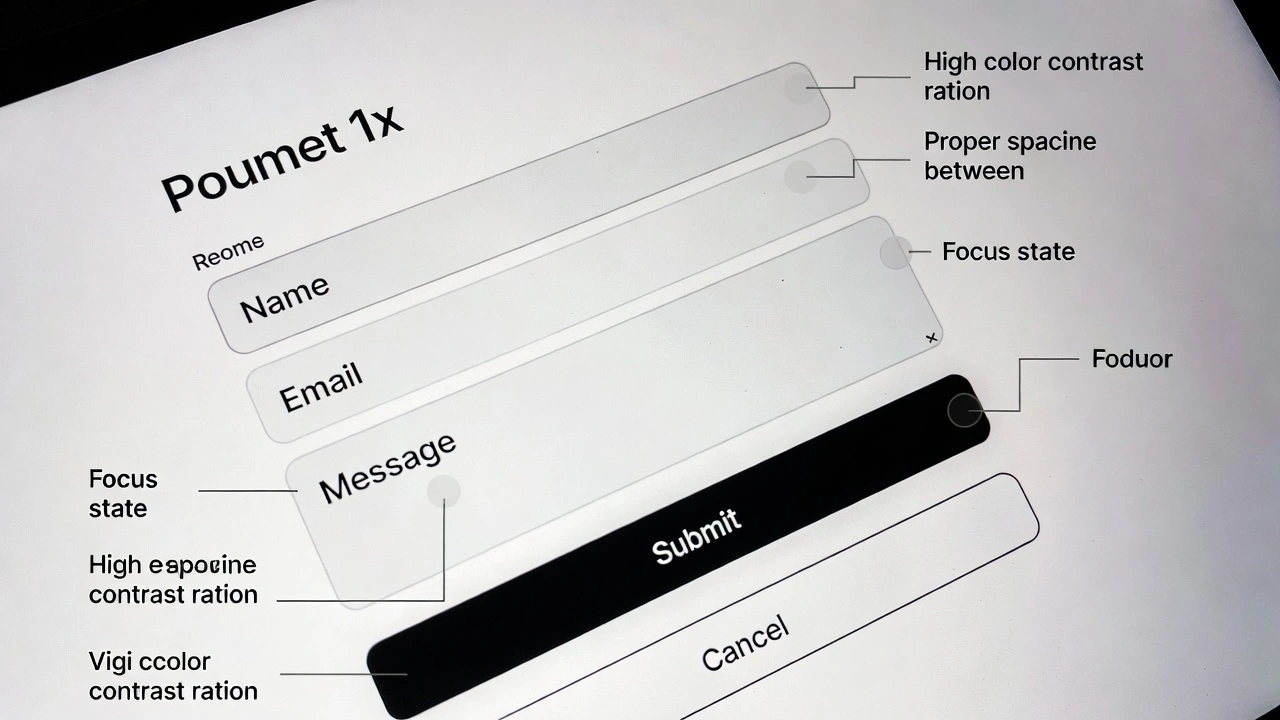
Most accessibility standards follow the WCAG framework, which is built around four core principles. These principles guide accessible product design globally.
1. Perceivable
Users must be able to perceive information on the screen.
This means content should be accessible through multiple senses.
Examples include:
Providing text alternatives for images
Ensuring sufficient color contrast
Adding captions for video content
For example, an e-learning platform used by students in the US and Germany may include transcripts for lectures so that both deaf students and non-native speakers can follow along.
2. Operable
Users must be able to interact with the interface.
Key requirements include:
Keyboard navigation
Clear focus states
Logical tab order
Avoiding time-sensitive interactions
Many users rely entirely on keyboards or assistive technologies instead of a mouse.
3. Understandable
The interface should be predictable and easy to understand.
This includes:
Clear labels
Consistent navigation
Simple language
Helpful error messages
For example, if a payment form fails, the system should explain what went wrong and how to fix it.
4. strong
Content should work reliably across:
Browsers
Devices
Assistive technologies
strong design ensures that screen readers, voice controls, and other tools can interpret the interface correctly.
How to Implement Accessibility-First Design in Your Workflow

Accessibility works best when it becomes part of your product development process, not a last-minute fix.
Here’s a practical step-by-step framework.
Step 1: Start With Inclusive Research
During user research, include people with different abilities.
Consider recruiting participants who:
Use screen readers
Navigate primarily with keyboards
Have color vision differences
Use assistive technologies
Even small usability tests with diverse participants can reveal critical accessibility barriers.
Step 2: Design With Accessibility in Mind
During the design phase, apply web accessibility proven approaches such as:
Clear typography and readable font sizes
Strong color contrast
Descriptive link text
Logical page structure
For example:
Instead of writing
“Click here”
Use
“Download the product guide”
This helps screen-reader users understand the link context.
Step 3: Build Accessible Components
Developers should implement reusable components that follow WCAG accessibility guidelines.
Examples include:
Accessible form inputs
Keyboard-friendly dropdown menus
Proper HTML landmarks
ARIA attributes where needed
Building accessible components once can save significant time across future projects.
Step 4: Test With Accessibility Tools
Testing is essential.
Useful tools include:
Screen readers
Keyboard-only testing
Automated accessibility checkers
Color contrast analyzers
Teams across organisations often combine automated testing with manual testing because automation alone cannot catch every issue.
Step 5: Continuously Improve
Accessibility-first design is an ongoing process.
New features, content, and updates should be tested regularly to maintain accessibility standards.
Common Accessibility Mistakes (and How to Avoid Them)
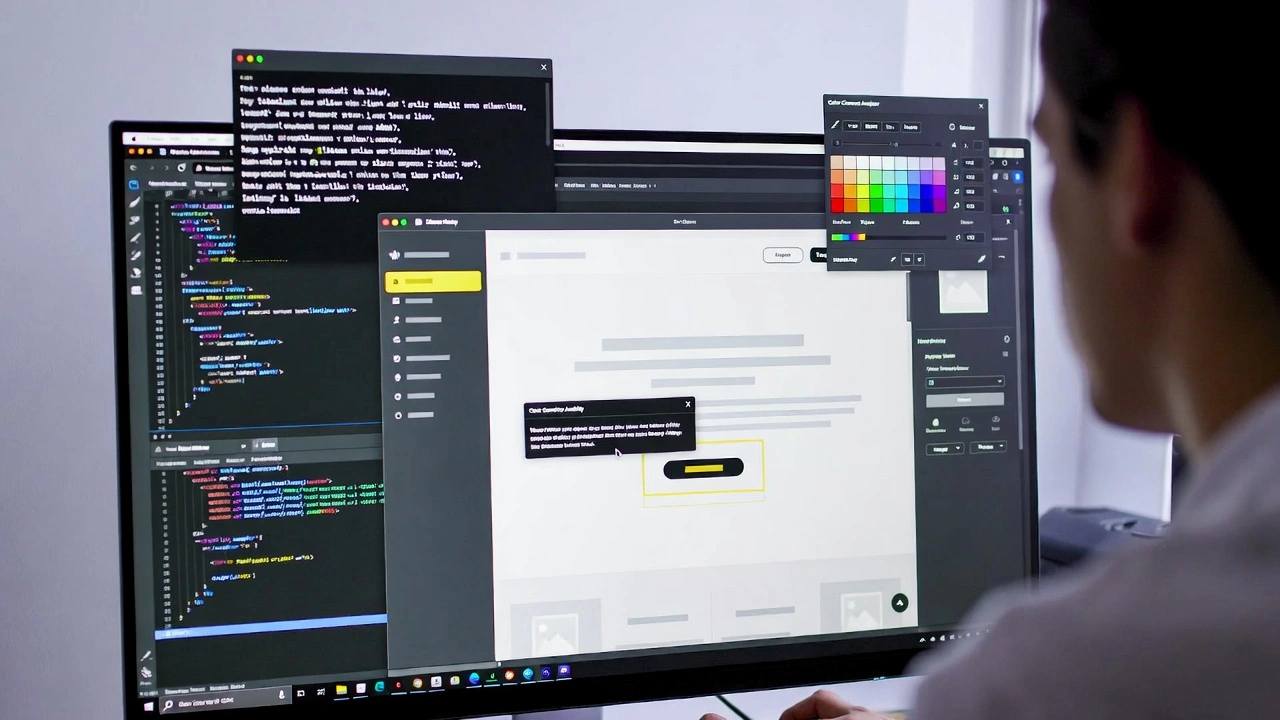
Even well-intentioned teams often make accessibility mistakes.
Here are some of the most common ones.
Mistake 1: Relying Only on Color
Color alone should not convey meaning.
For example:
Red text for errors
Green for success
Users with color vision differences may not notice the distinction.
Solution:
Use icons, text labels, or patterns alongside color.
Mistake 2: Poor Color Contrast
Low contrast makes text difficult to read.
This frequently occurs in trendy design styles using light grey text on white backgrounds.
Solution:
Follow WCAG contrast ratios and test your designs with contrast tools.
Mistake 3: Missing Alternative Text for Images
Screen readers rely on alt text to describe images.
Without it, visually impaired users miss critical information.
Solution:
Write short but descriptive alt text for meaningful images.
Mistake 4: Complex Navigation
Large menus or unclear navigation can overwhelm users.
This affects:
Screen reader users
People with cognitive disabilities
First-time visitors
Solution:
Keep navigation simple, consistent, and predictable.
Practical Accessibility Tips You Can Apply Immediately

You don’t need a full redesign to start improving accessibility.
Here are practical improvements most teams can implement quickly.
Improve Text Readability
Use:
Font sizes of at least 16px
High contrast text
Adequate line spacing
These changes help both accessibility and readability.
Make Forms Easier to Use
Forms are one of the biggest accessibility challenges.
proven approaches include:
Clear labels above inputs
Helpful error messages
Logical tab order
Accessible validation
A checkout form used by customers in Canada or France should clearly explain errors such as missing address fields or invalid postal codes.
Provide Captions and Transcripts
Videos should include:
Closed captions
Optional transcripts
Captions help not only deaf users but also people watching videos without sound.
Ensure Keyboard Accessibility
Every interactive element should work with a keyboard.
Users should be able to:
Navigate menus
Open modals
Submit forms
Move between fields
Keyboard accessibility is a fundamental requirement of accessible product design.
Business Benefits of Accessibility-First Design
Accessibility is not just ethical—it’s also good for business.
Wider Market Reach
Accessible products can reach more users globally.
For example:
Older adults
Temporary injuries
Non-native language speakers
In aging populations across Western Europe and North America, accessibility is becoming increasingly important.
Improved SEO Performance
Search engines favor structured, semantic content.
Accessibility improvements such as:
Proper headings
Alt text
Clear link structure
often also improve search engine optimization (SEO).
Stronger Brand Reputation
Companies that prioritize accessibility are often seen as:
More inclusive
More responsible
More user-focused
This perception can strengthen brand trust and customer loyalty.
The Future of Inclusive and Accessible Design
Accessibility expectations are rising globally.
Emerging trends include:
AI-powered accessibility testing
Voice interface design
Accessible design systems
Automated caption generation
Accessibility built into product frameworks
Many modern design systems used by global tech companies now include built-in accessible components, making accessibility easier to maintain at scale.
Organizations that adopt accessibility-first design early will be better prepared for future regulations, technologies, and user expectations.
Conclusion: Designing Products Everyone Can Use
Accessibility-first design is not just about compliance—it’s about building better products for real people.
By considering accessibility from the beginning, teams can create digital experiences that are more inclusive, usable, and scalable.
Key takeaways:
Accessibility-first design integrates accessibility into every stage of product development.
Following WCAG accessibility guidelines helps ensure inclusive experiences.
Small improvements—like better contrast, clear labels, and keyboard navigation—can dramatically improve usability.
Accessible products reach wider audiences and strengthen brand trust.
The best way to start is simple:
Review your current product and identify one accessibility improvement you can implement this week.
Over time, those small improvements can lead to a product that truly works for everyone.
FAQ
What is accessibility-first design?
Accessibility-first design is an approach where accessibility is considered from the beginning of the design and development process. It ensures digital products are usable by people with disabilities as well as the general population.
Why is accessibility important in product design?
Accessibility ensures that digital products can be used by a wider range of people, including those with visual, hearing, cognitive, or mobility impairments. It also improves usability, SEO performance, and compliance with global accessibility regulations.
What are the WCAG accessibility guidelines?
The Web Content Accessibility Guidelines (WCAG) are international standards that define how to make digital content accessible. They are based on four principles: perceivable, operable, understandable, and strong.
How can I improve website accessibility quickly?
Some quick improvements include:
Adding alt text to images
Increasing color contrast
Ensuring keyboard navigation works
Using clear headings and labels
These changes can significantly improve accessibility without requiring a full redesign.
Is accessibility the same as inclusive design?
Not exactly. Accessibility focuses on making products usable for people with disabilities, while inclusive design considers a wider range of user needs and circumstances. However, both approaches aim to create products that work for as many people as possible.