
A surgical team at Boston Children's Hospital is performing a complex cardiac repair. The lead surgeon's hands are in the chest cavity. She needs to review the patient's 3D imaging — the precise spatial relationship between a congenital defect and the surrounding structures. In any previous era, that meant either pausing to look at a screen, or having a colleague hold the imaging up while she glanced away from the operative field.
In 2026, she looks at a floating display in her field of vision, positioned precisely where she needs it, and scrolls through the 3D model using a subtle hand gesture. No surface touched. No sterile field broken. No attention diverted from the patient.
This system — a combination of AR headset, hand-tracking software, and a DICOM viewer adapted for spatial computing — is running in a small number of hospital theatres in the US and UK. It is not science fiction. It is operational.
That's the genuine frontier of human-computer interaction in 2026. But the frontier is not the only story worth telling. The more relevant story for most people reading this is the quieter shift happening on devices they already own: voice assistants that now actually understand context and follow up, laptop cameras that track eye movement to manage attention, and phones that can be navigated by gesture when your hands are otherwise occupied.
The keyboard and mouse are not dead. They won't be dead in five years. But they're no longer the assumed defaults for every computing interaction — and that shift has meaningful implications for how we buy devices, design workflows, and think about what "using a computer" means.
What's Actually Changed — And What Hasn't
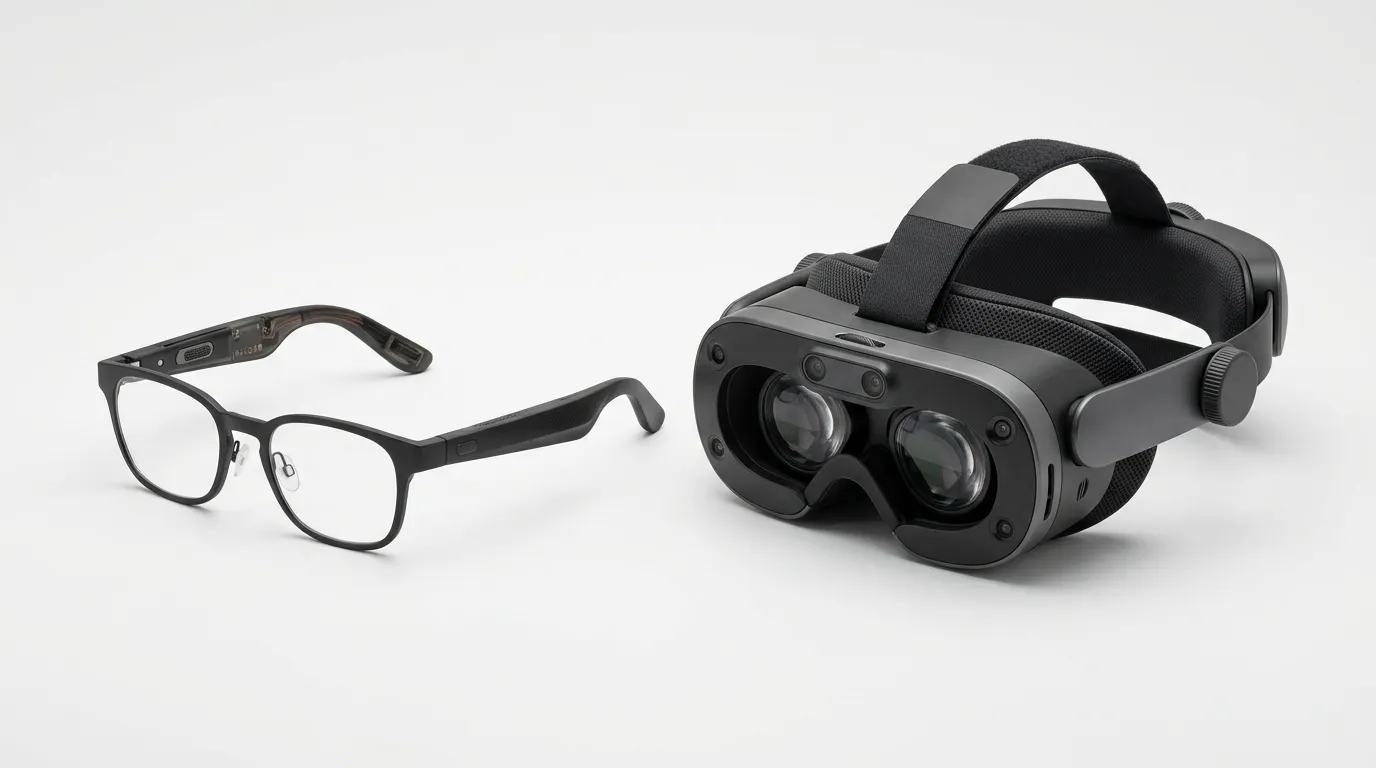
The history of human-computer interaction is a series of interface paradigm shifts, each one building on but not replacing the last. Command lines gave way to graphical user interfaces. GUIs gave way to touchscreens on mobile. Touchscreens are now giving way — not being replaced — to a new layer of natural interfaces: voice, gesture, gaze, and spatial computing.
AI advances enable cameras and sensors to capture human movement for natural interactions through eye movements, gestures, and voice — without controllers. With AI progress, front-facing cameras and sensors can also recognise and interpret the environment in real time, enabling spatial computing. Glasses can even generate interactive virtual keyboards and touchscreens to remain compatible with PCs and smartphones. Medium
The key technology enabling this shift is AI inference running fast enough to process real-world inputs in real time. Eye tracking — detecting where a user is looking with sub-millimetre accuracy at 60+ frames per second — requires AI models running continuously on device hardware. Hand gesture recognition, voice understanding that handles accents and ambient noise, scene understanding that can identify objects and surfaces in a camera feed — all of these are AI inference tasks that simply weren't fast enough or efficient enough to run on portable hardware five years ago.
Meta's Ray-Ban smart glasses sold over 7 million units in 2025 — making AR accessible to mainstream consumers. On the other side, full spatial computing platforms like Apple Vision Pro and Samsung's Galaxy XR (running Google's Android XR) are building deeper environmental understanding, persistent digital twins, and AI-driven spatial reasoning. Metavert
That bifurcation matters. Smart glasses at £300/$380 for mainstream consumers. Full spatial computing headsets at £3,000–$3,500+ for early adopters and enterprise. These are not competing products — they're different products solving different problems at different price points.
Testing It: One Week With Spatial Computing
I spent seven days using the Apple Vision Pro as my primary computing setup — not as a supplementary device, but as the device I used for writing, email, video calls, and research.
Days one and two were disorienting. The eye-tracking interface — where you look at a UI element, and a pinch gesture selects it — takes roughly four hours to feel natural. Before that, it feels like you're doing two things simultaneously that your brain hasn't learned to combine. After that, it starts to click.
By day three, I was faster at navigation tasks than with a keyboard and trackpad. Switching between apps by looking at them and pinching is genuinely quicker than Command-Tab. The infinite desktop — arranging windows in physical space around you rather than stacking them on a flat screen — is legitimately useful for complex research tasks.
What didn't work: anything requiring fast text entry. The virtual keyboard is slower than a physical keyboard for anyone who can touch-type. Connecting an external Bluetooth keyboard resolved this, but it creates an odd hybrid — spatial computing for navigation, traditional keyboard for text. Most professional Vision Pro users land on this combination.
What the marketing doesn't mention: Apple Vision Pro weighs 1.4 pounds. After approximately 90 minutes of continuous use, the physical weight becomes noticeable. After three hours, it's uncomfortable. The device is not genuinely designed for all-day use — Apple's own marketing notwithstanding. Ekhbary
Battery life: 2 hours on the internal battery. Useful with the external pack. Still not all-day.
The verdict: Apple Vision Pro is the most technically impressive consumer computing product I've tested. It is not a practical primary work device for most people in 2026. It's a powerful preview of where computing is heading — and a current-generation tool for specific professional use cases where spatial computing's unique properties justify the friction.
Meet Marcus: Why He Returned the Vision Pro and Kept His Ray-Bans
Marcus is a 38-year-old journalist and documentary maker in London. He spent three weeks with an Apple Vision Pro in early 2026.
He returned it. He kept his Meta Ray-Ban Meta smart glasses, which he bought for £299 ($380).
"The Vision Pro is extraordinary," he told me. "But I can't wear it in public without people treating me like a curiosity. I can't wear it for more than two hours. I can't use it in a café or on the tube. The Ray-Bans I can wear all day, everywhere, and nobody knows they're smart glasses."
Marcus uses the Ray-Bans primarily for three things: hands-free voice control to send messages and take notes while walking (which he does a lot as a journalist), real-time translation of signage through the camera, and taking photos and short video clips while his hands are occupied with something else.
"The Vision Pro does ten things the Ray-Bans can't," he said. "But those three things are things I actually need all day. The Vision Pro's ten things are things I might need occasionally."
This is the core tension in the current HCI landscape: the most capable spatial computing devices are the hardest to use in daily life, while the most practical wearable computing devices have deliberately constrained capabilities. The devices that actually change people's daily behaviour in 2026 are the constrained ones.
The Landscape of Spatial Computing in 2026
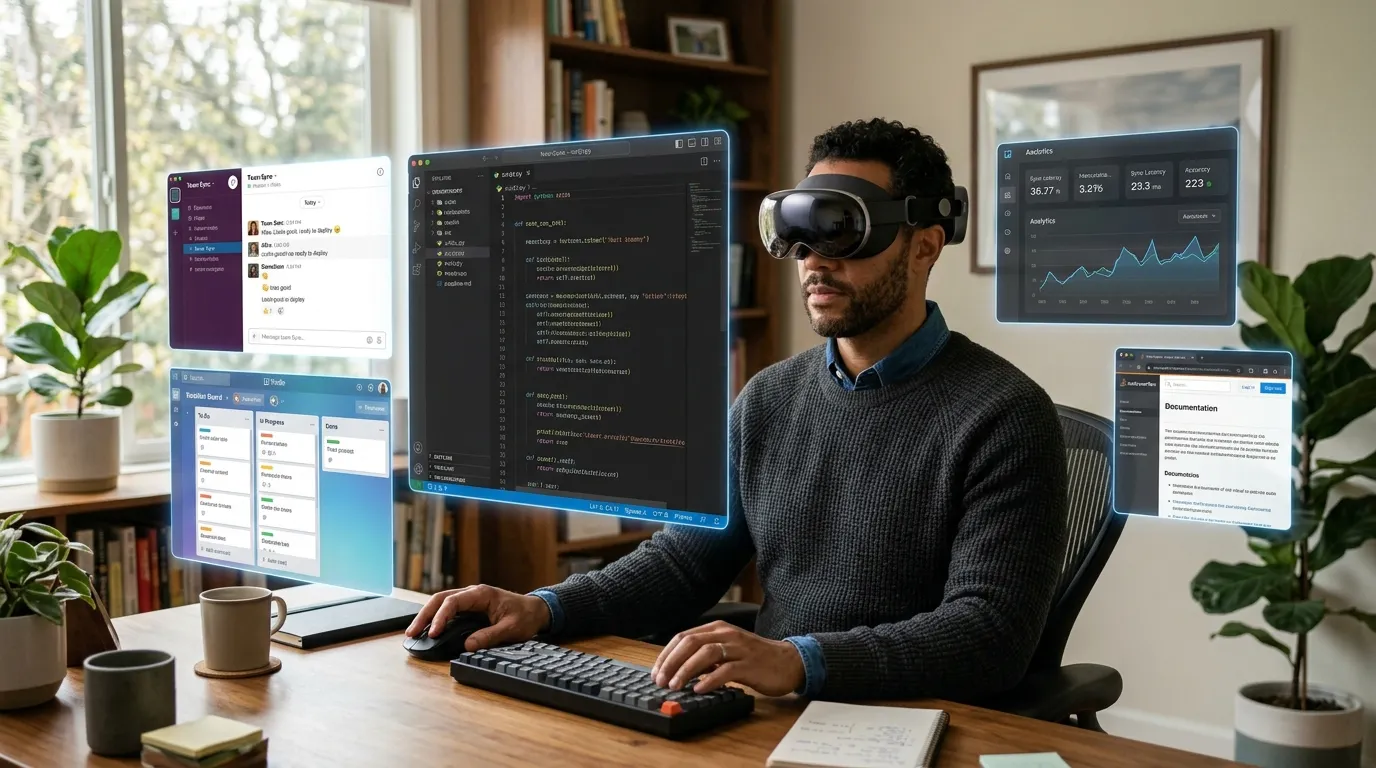
The hardware story for spatial computing is not about any single device — it's about the mesh of sensors and displays that together create a spatially intelligent environment. It includes smart glasses, full headsets, spatial displays that don't require wearing anything, IoT sensor networks that make entire buildings spatially aware, and handheld 3D scanners. Metavert
The four main categories, with honest assessments:
Smart glasses (Ray-Ban Meta, Snap Spectacles, Samsung Galaxy Glasses): The most practical wearable computing in 2026. Camera, speakers, microphone, AI assistant access. No display overlay — you're not seeing digital content layered on the real world. Mainstream pricing (£299–£499/$380–$625). Can be worn all day. The interface is primarily voice and camera, not gesture or gaze.
Standalone VR/XR headsets (Meta Quest 4, Pico 4 Enterprise): Primarily for VR experiences, gaming, and enterprise training simulations. Meta Quest 4 is the most capable at its price point. Not for extended professional use — but genuinely excellent for immersive training, design review, and collaborative 3D workflows where teams are working in the same virtual space.
Full spatial computing (Apple Vision Pro, Samsung Galaxy XR): The most capable and most expensive category. Eye tracking, hand tracking, spatial audio, high-resolution passthrough. Vision Pro starts at £3,499 ($3,499). Galaxy XR (running Android XR with Google AI) is expected at broadly similar pricing when widely available. Both require significant adaptation time. Both are genuinely powerful for specific professional use cases. Neither is a mass-market device in 2026.
AR glasses (Meta Orion — limited release, Google's planned product): The category most people imagine when they think about "AR glasses" — lightweight frames with a transparent display overlaying digital information on the real world. This hardware is not yet commercially available to the public. Meta's Orion was demonstrated at select events in 2025. The engineering challenges (waveguide optics, battery in glasses-scale form factor, field of view) remain significant. This category will matter enormously when it ships commercially — probably 2027–2028.
The Device Comparison
Device | Category | Price (USD/GBP) | Interface | Battery Life | UK Availability | Best For |
|---|---|---|---|---|---|---|
Meta Ray-Ban Smart Glasses | Smart glasses | $299/£299 | Voice + camera | ~4 hours | ✓ Full | Daily wearable, voice AI, hands-free capture |
Apple Vision Pro | Spatial computing | $3,499/£3,499 | Eye + hand gesture + voice | 2 hours (battery pack) | ✓ Full | Pro workflows, medical/design, immersive media |
Meta Quest 4 | Standalone XR | ~$499/£449 | Controller + hand tracking | 2.5 hours | ✓ Full | VR gaming, enterprise training, collaborative 3D |
Samsung Galaxy XR | Spatial computing | ~$3,000/£2,800 (est.) | Eye + hand + voice | TBC | Limited (rolling out) | Android ecosystem spatial computing |
Sony PlayStation VR2 | Gaming VR | £530/$550 | Controller + eye tracking | PC-powered | ✓ Full | Gaming, some enterprise simulation |
The Privacy Problem With Biometric Interfaces

Eye tracking, hand gesture recognition, gaze data, voice prints — the natural interfaces of spatial computing are biometric by nature. This creates privacy implications that go beyond standard app permissions.
Under UK GDPR, biometric data — including data derived from eye tracking or gaze patterns — is classified as special category data, requiring explicit consent for most processing purposes. The legal question for any organisation deploying spatial computing: are your eye tracking data and gaze patterns being processed, stored, or transmitted? If so, to whom, under what retention policy, and with what security measures?
Apple's privacy approach with Vision Pro: gaze data is processed locally using the Secure Enclave and is not accessible to third-party applications. The apps know where you're looking in general terms for UI interaction purposes, but not the precise gaze data stream. Apple publishes this in its privacy documentation with uncommon specificity.
Meta's approach: more permissive. Meta collects movement and interaction data from Quest devices to improve its AI systems, subject to privacy settings. The data handling for Ray-Ban Meta is somewhat different — read the specific privacy documentation for each product.
For the EU and UK, the relevant regulatory guidance: The EU AI Act implementation in 2025 has created strict requirements for data localisation and auditability for AI systems processing biometric data. Claude5 For UK businesses deploying spatial computing in a professional context — particularly with any customer-facing application — legal advice before deployment is warranted.
Voice AI in 2026: What's Actually Changed
Voice interfaces get less attention than spatial computing but arguably affect more people's daily computing. Most professionals in the UK and US now use voice assistants daily.
What changed between 2023 and 2026: context persistence and follow-up capability.
Previous voice assistants handled isolated requests: "What time is it?" "Set a timer for fifteen minutes." "Add milk to my shopping list." Each interaction was independent.
Current voice AI — Siri with Apple Intelligence, Google Assistant with Gemini integration, Amazon Alexa+ — can maintain context across a conversation and execute multi-step tasks that require reasoning rather than simple lookup.
"Draft a reply to my last email from Sarah, apologising for the delayed response and asking if the Thursday meeting is still happening" is now a reliable request on most modern devices, producing a usable draft rather than an error message or a generic template.
That's a qualitative shift. Not perfect — voice AI still fails frequently on complex, ambiguous, or contextually unusual requests. But the failure rate on routine professional tasks has dropped significantly enough that voice has become a genuinely useful primary interface for specific workflows: commute correspondence, hands-occupied note-taking, and navigating mobile interfaces while doing something else simultaneously.
The Accessibility Dimension Nobody Covers Adequately
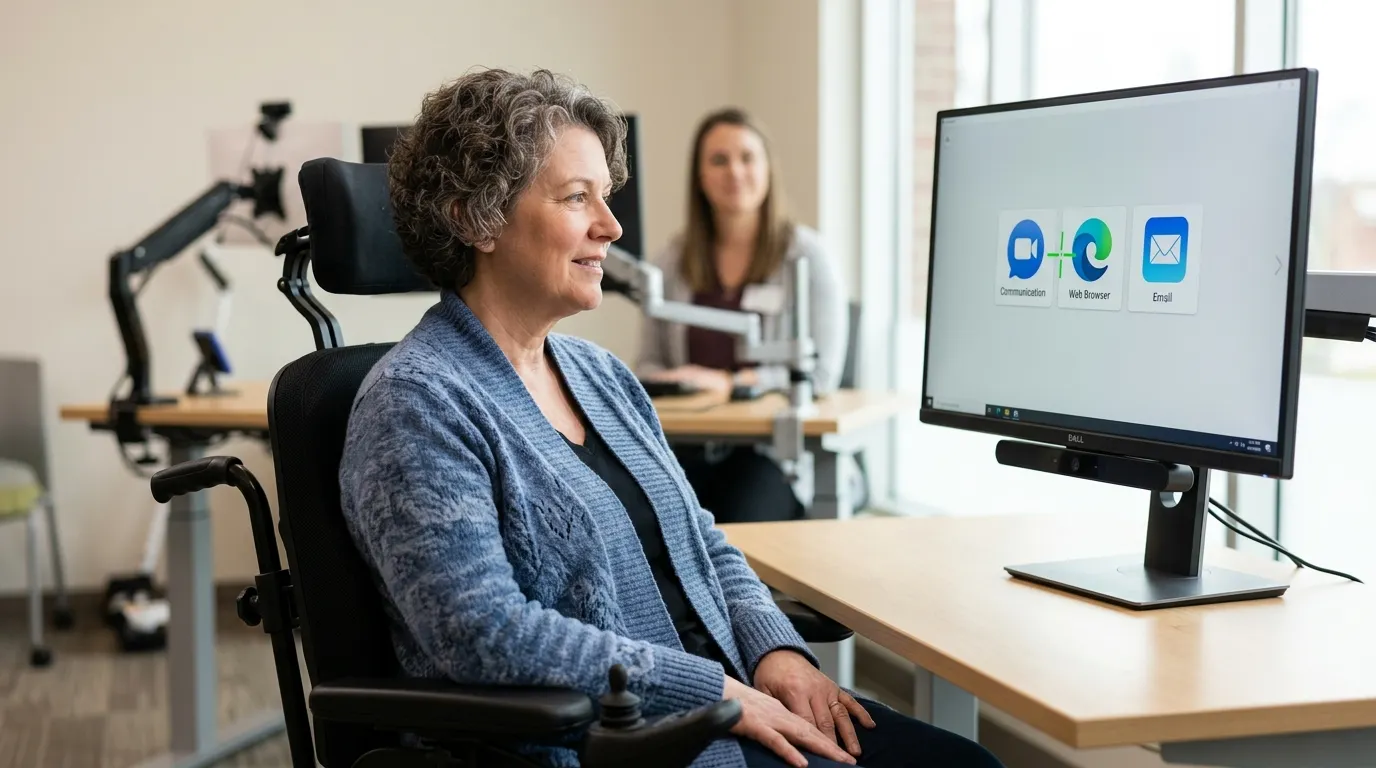
The most significant beneficiaries of natural interface technology in 2026 are people for whom keyboard-and-mouse computing was never accessible in the first place.
For users with motor impairments, eye tracking combined with AI-assisted text prediction has transformed computing access. Software like Apple's Switch Control, combined with Vision Pro's eye tracking, enables users with no voluntary hand or arm movement to navigate a full computing environment using gaze alone. This isn't a niche accommodation — it's a fundamental redesign of what "using a computer" requires.
For users with visual impairments, spatial audio and improved voice interfaces are reducing dependence on screen readers in ways that affect real-time task completion. A blind user navigating a complex multi-step task via voice — where the AI maintains state, handles errors gracefully, and provides clear audio feedback — is more genuinely productive than navigating the same task through a traditional screen reader on a standard interface.
These applications don't appear in most HCI coverage because they don't generate device sales headlines. They should.
What Most Reviews Get Wrong About Spatial Computing
Most reviews focus on Apple Vision Pro's display quality and the novelty of spatial computing. What they consistently underemphasise: the learning curve is longer than any mainstream tech product in recent memory, and the battery life makes all-day professional use genuinely impossible in the current hardware generation.
The short answer on Vision Pro for most professionals in 2026: don't buy it as a daily driver. Do try it if you have access to a demo unit — the experience is worth understanding. Consider it seriously if you work in a field where its specific capabilities (surgical review, architectural walkthroughs, complex 3D design) justify both the price and the friction.
For most people: the Meta Ray-Ban smart glasses at £299/$299 will change how you use AI assistants for daily tasks in ways that feel immediately practical. Vision Pro will change how you think about where computing is going. They're different purchases for different purposes.
Conclusion: Three Things Worth Taking Away
Key takeaways
The keyboard and mouse are not being replaced — they're being supplemented. Natural interfaces add a layer above and around traditional computing, handling the tasks where voice, gaze, and gesture are faster or more contextually appropriate. The keyboard still wins for sustained text entry. The mouse still wins for pixel-precise work. But they're no longer the only options.
The spatial computing products worth buying today are not the ones in the most exciting category. Meta Ray-Ban smart glasses at £299/$299 deliver practical daily value. Apple Vision Pro at £3,499/$3,499 delivers extraordinary capability with significant practical limitations. For most professionals, the £299 purchase changes daily behaviour. The £3,499 purchase is a powerful tool for specific workflows and a preview of the future.
The biometric data question is not resolved. Eye tracking, gaze data, voice prints, and movement data are special category data under UK GDPR. The privacy documentation for spatial computing products varies significantly in transparency and user control. Before deploying any of these in a professional context, understand what biometric data the device collects, who can access it, and what the retention period is.
Your next action: If you use voice AI daily (Siri, Google Assistant, Alexa), try this test: ask it to complete a three-step task that requires maintaining context between steps. Something like: "Find my most recent email about the Henderson account, draft a reply saying we can meet Friday, and add a reminder to my calendar to send it before 5pm." Note whether it handles this as a single connected request or breaks down on the multi-step reasoning. That test tells you more about your current voice AI's practical usefulness than any benchmark score.